Switch templates with one flag
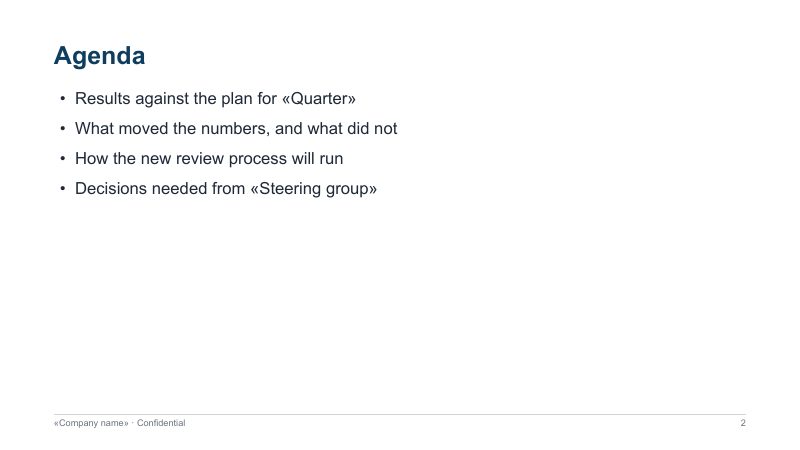
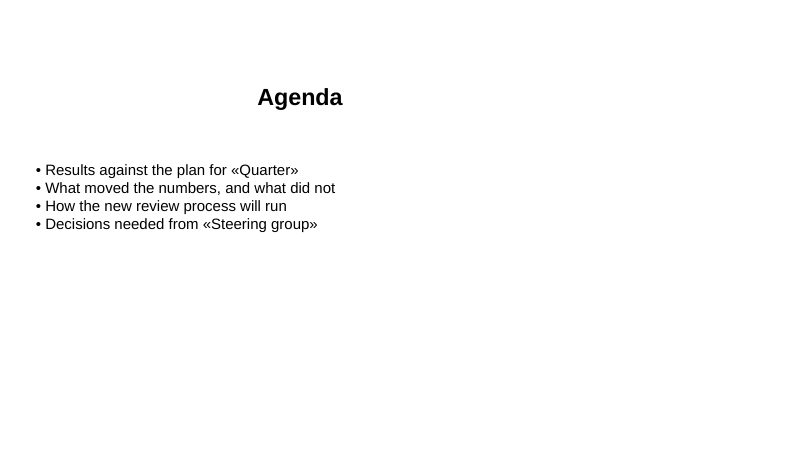
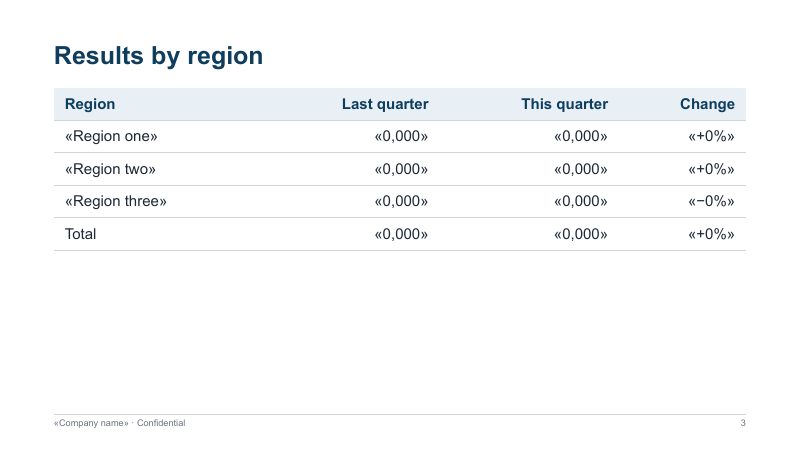
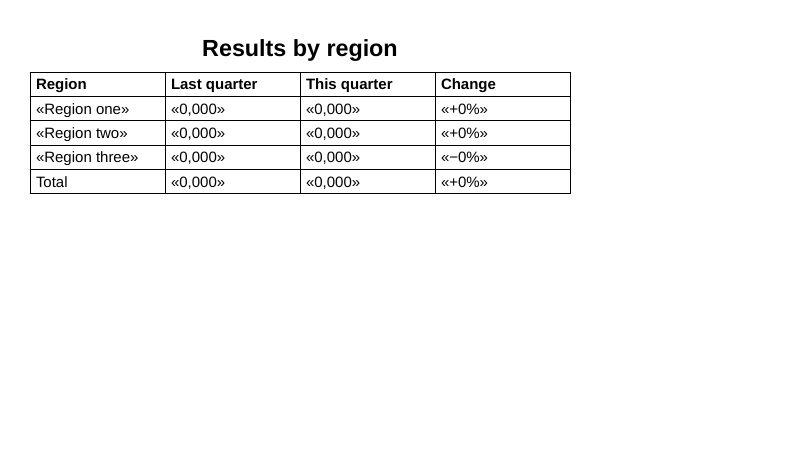
The look of the slides comes from the deck you pass with --reference-doc. Here is the same slide, recovered from one PDF, in four looks. Nothing else in the command changes.
Click a slide to open the whole deck next to the source PDF, just below.
no template filemidnight-reference.pptx downloadpaper-reference.pptx downloadbold-reference.pptx downloadAny .pptx works as a template: your company deck, last quarter’s review. AILANG Parse takes its theme colours and fonts, its slide master (background and decoration) and its text styles. The Midnight, Paper and Bold templates above are small files you can download and open in PowerPoint.
Live example
A five-slide PDF deck on the left, the PowerPoint generated from it on the right. Pick a template to change the look.
Browsers can’t display .pptx, so the deck is shown as LibreOffice renders it. If your browser does not show PDFs in the page, the slides below are the same pages.
Slide by slide
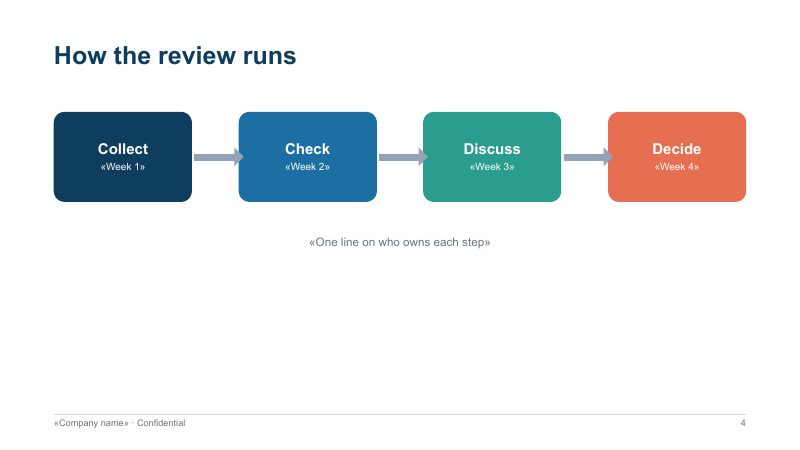
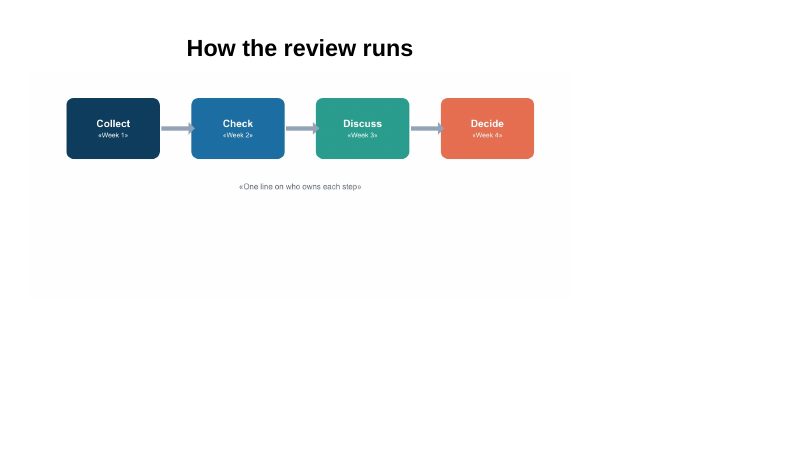
Each PDF page becomes one slide. Text slides are rebuilt with an editable title, bullets and tables. A slide drawn with shapes is kept as a picture, so nothing in the drawing is lost.
The recovered structure
This is what AILANG Parse read from the PDF above, slide by slide, loaded from the actual output file. Every deck on this page was generated from these blocks.
What is recovered
A PDF keeps where each character is drawn, not whether it was a title, a bullet or a table cell. PDF to Word explains how that structure is recovered. For slides:
| In the deck | How it is read back from the PDF |
|---|---|
| Slides | One slide per PDF page. A page with more than fits on a slide continues on a second slide, with “(cont.)” after its title, so nothing runs off the bottom. |
| Titles | The largest text at the top of the page. |
| Bullets and numbered lists | From bullet and number markers, with wrapped lines kept with their item. Arrows and bullets set in a symbol font come back as the characters they show. |
| Tables | Rows whose cells line up in shared columns become a PowerPoint table. A wide table that would not fit is set in smaller type. |
| Diagrams | A page that is mostly drawing with short labels becomes a picture of the page below its title, with the labels in the speaker notes. |
| Footer and slide numbers | Recognised and left out of the slides. Your template’s slide master has its own. |
| Pictures | Photos and illustrations stay in their place on the slide. |
What a PDF can’t give back
- Editable shapes. Boxes, arrows and charts drawn in the original are only lines and curves in the PDF. They come back as a picture, not as shapes you can move.
- Animations, transitions and the original speaker notes. None of these reach a PDF.
- Layouts and placeholders. Text comes back as text boxes in a standard title-and-body arrangement, not in the placeholders of the original layout.
- Exact positions. Slides are rebuilt, not copied position by position. A two-column slide comes back as one column.
When you still have the original .pptx, parse that instead. It still has the notes, layouts and shapes. This page is for when the PDF is all you have.
Choosing a backend
A backend is the PDF reader AILANG Parse uses. For slides, the default uses poppler. It knows where each page starts, which one slide per page depends on, and it recognises diagram pages. You can choose another backend with --pdf-backend, and the rest of the conversion is the same.
| Backend | Use it for | Needs |
|---|---|---|
| (default) | Decks exported from PowerPoint, Keynote, Google Slides or a browser. One slide per page, diagrams as pictures. | poppler only |
docling | Scanned decks (it runs OCR). | a Python package on your machine |
pdftotext | Text only. It does not record where pages start, so slides are filled by length, not one per page. | poppler only |
ai | Handwritten or visually complex pages. Used only when you ask for it. | an AI provider key |
Run it
# PDF deck to PowerPoint, in your own template
docparse deck.pdf --convert deck.pptx --reference-doc house-style.pptx

# Plain slides, no template
docparse deck.pdf --convert deck.pptx

# LibreOffice Impress instead
docparse deck.pdf --convert deck.odp

# A scanned deck: read with OCR
docparse scan.pdf --pdf-backend docling --convert deck.pptx
Converting a document, not a deck? PDF to Word does the same with your Word template. Install the CLI from the docs.
Frequently Asked Questions
Can I convert a PDF back into an editable PowerPoint?
Yes. Each PDF page becomes a slide with an editable title, bullets and tables, styled by the .pptx template you choose. Diagram slides become a picture of the page, with their text in the speaker notes.
Why do some slides come back as pictures?
A PDF stores shapes such as boxes, circles and arrows only as lines and curves, so the only text a PDF reader finds is their labels. Rebuilding such a slide as bullets would lose the drawing. AILANG Parse keeps the slide as a picture and puts its labels in the speaker notes, where you can search and edit them.
Do I need a PowerPoint template?
No. Without one you get plain, editable slides. With --reference-doc deck.pptx, the theme colours, fonts, background and slide master decoration come from your own deck.
Does it keep animations or speaker notes from the original deck?
No. A PDF has neither, so no converter can bring them back. If you have the original .pptx, parse that instead.
Is my PDF uploaded anywhere?
Not with the CLI. The PDF is read and the slides are written on your machine, using poppler, which most systems already have. Only --pdf-backend ai sends pages to an AI provider, and it is used only when you ask for it.