The Sunholo brand reference and asset library. Start with the colours and principles, then take the right files into your next website, presentation or document.
The Sunholo brand, in practice
White paper, slate structure and restrained orange. Use this reference across websites, slides, documents and every new Sunholo asset.
The kit includes this guide, CSS and JSON tokens, a colour palette, original SVG logos and Montserrat Regular/Bold with their licence. Illustrations and editable proposal templates are available below.
September 2026 · Palette generated from the shared website styles · Revision aa420f4c1ebd
Colour with a purpose
Use these exact sRGB values. Keep most of the canvas white, use slate for readable content, and reserve orange for emphasis. Action orange is deliberately darker than the illustration colour.
Paper
#FFFFFF RGB 255, 255, 255
Default canvas for pages, slides, documents and artwork.
--site-paper
Pale ground
#F6F8FA RGB 246, 248, 250
Supporting panels and subtle section separation.
--site-ground
Ink
#2C3E50 RGB 44, 62, 80
Headings and long-form body text.
--site-ink
Slate
#314352 RGB 49, 67, 82
Structure, diagrams and occasional dark surfaces.
--site-slate
Muted slate
#526677 RGB 82, 102, 119
Secondary text and captions on light surfaces.
--site-muted
Rule
#DCE3E8 RGB 220, 227, 232
Decorative dividers; not text or an essential control boundary.
--site-rule
Sunholo orange
#E73C17 RGB 231, 60, 23
Brand marks, illustration washes and graphic accents.
--site-orange
Action orange
#BD3012 RGB 189, 48, 18
Text links and filled actions with white text.
--site-action
Ready-to-use pairings
Everyday reading
Default body text and headings.
10.98:1 contrastSupporting text
Captions on a subtle panel.
5.59:1 contrastPrimary action
White labels on filled buttons.
5.84:1 contrastSlate emphasis
A short statement on a dark slide or band.
10.22:1 contrast
Ratios above are calculated for solid sRGB colours. Aim for at least 4.5:1 for ordinary text and 3:1 for large text and meaningful controls. Brand orange on white is 4.15:1: reserve it for artwork and larger graphic accents, not ordinary small text. Use Action orange for text links. Keep links underlined; colour alone must not carry meaning.
One family, a clear hierarchy
Use Montserrat for Sunholo headings, body text and controls. Use regular 400 for reading and bold 700 for headings; 500–600 can support web navigation and labels. Keep monospace for code and technical annotations.
Make the decision clear.
Build with purpose. Explain the evidence. Give people a useful next step.
Montserrat · Regular 400 / Bold 700
Role
Website
Slides · 16:9
Documents · A4
Title
34–56 px / 1.14
36–44 pt
28–32 pt
Section heading
27–38 px / 1.22
28–32 pt
18–22 pt
Subheading
22 px / 1.35
22–24 pt
14–16 pt
Body
16–18 px / 1.7
20–24 pt
10.5–12 pt / 1.45–1.6
Caption
13–14 px / 1.5
16–18 pt
9–10 pt
Website values reflect the shared system; slide and document values are starting presets. Increase type for the room or output size before cutting readability.
Use sentence case and left-aligned paragraphs, with roughly 45–75 characters per line. Avoid justified text, long centred paragraphs and all-caps headings.
Keep headings short. Use weight and spacing for hierarchy; do not highlight a random word in orange.
Install the included Montserrat Regular and Bold fonts for documents and slides. Embed fonts when exporting, or verify the PDF. Web fallback: Segoe UI, then sans-serif. Keep code in a system monospace font.
Space is part of the identity
Build on white paper with a clear reading order. Use a broad landscape illustration next to a concise argument, then evidence and a concrete next step.
Setting
Website
Slides
Documents
Outer frame
1,200 px maximum; 32 px sides, 20 px on mobile
About 6% safe margin on every edge
20–25 mm margins
Section rhythm
72 px desktop / 48 px compact
One main idea per slide
Space before headings; keep with next paragraph
Columns and gaps
40 px desktop / 28 px compact; stack on mobile
One or two columns; align edges
One reading column; tables for comparisons
Borders and corners
1 px pale rule; 3 px radius
Fine rules; square frames
Fine rules; square frames
Use a 4 px spacing unit on the web: 8, 12, 16, 24, 32, 48, 64 and 72 px. Avoid a separate arbitrary spacing system on each page.
White should dominate. Pale ground separates supporting material; slate bands are occasional emphasis. Orange is a small accent for meaning and action.
Use quiet borders and flat surfaces. Avoid drop shadows, floating cards, gradient panels and decorative badges. Keep the homepage orbit as an intentional animated exception.
Use a consistent footer for document title, organisation and page number. Keep detailed sources near the claim or in a clearly referenced appendix.
Example slide composition
Give AI a clear boundary.
Agree which decisions it can make, and when a person takes over.
Sunholo · Decision Budget
One idea, one landscape study, aligned edges and generous white space. This is a layout example, not a screenshot of a downloadable deck.
Logos identify. Illustrations explain.
Use the original Sunholo or AILANG SVG when identifying the company or product. Keep the approved mark’s geometry, colours and translucent layers intact.
Give the logo clear space of at least one quarter of the full SVG box on each side. As a practical minimum, use a 32 px box on screen or 10 mm in print, then inspect at final size.
Place the current colour marks on white. On a dark slide or photograph, use a clean white logo area with the same clear space. Do not improvise a reversed mark or recolour the SVG.
For a Sunholo name-and-symbol arrangement, use Montserrat bold in slate, vertically centred with the symbol. Keep at least one quarter of the symbol box between them. Use the website header as the visual reference.
Use Sunholo, AILANG, Multivac, Decision Budget, Model Context Protocol (MCP) and Agent-to-Agent (A2A) consistently. The editorial MCP and A2A drawings are not official protocol logos.
Do not stretch, rotate, outline, add a shadow or place text over a mark. Client logos and product screenshots retain their native branding.
Architectural studies on white paper
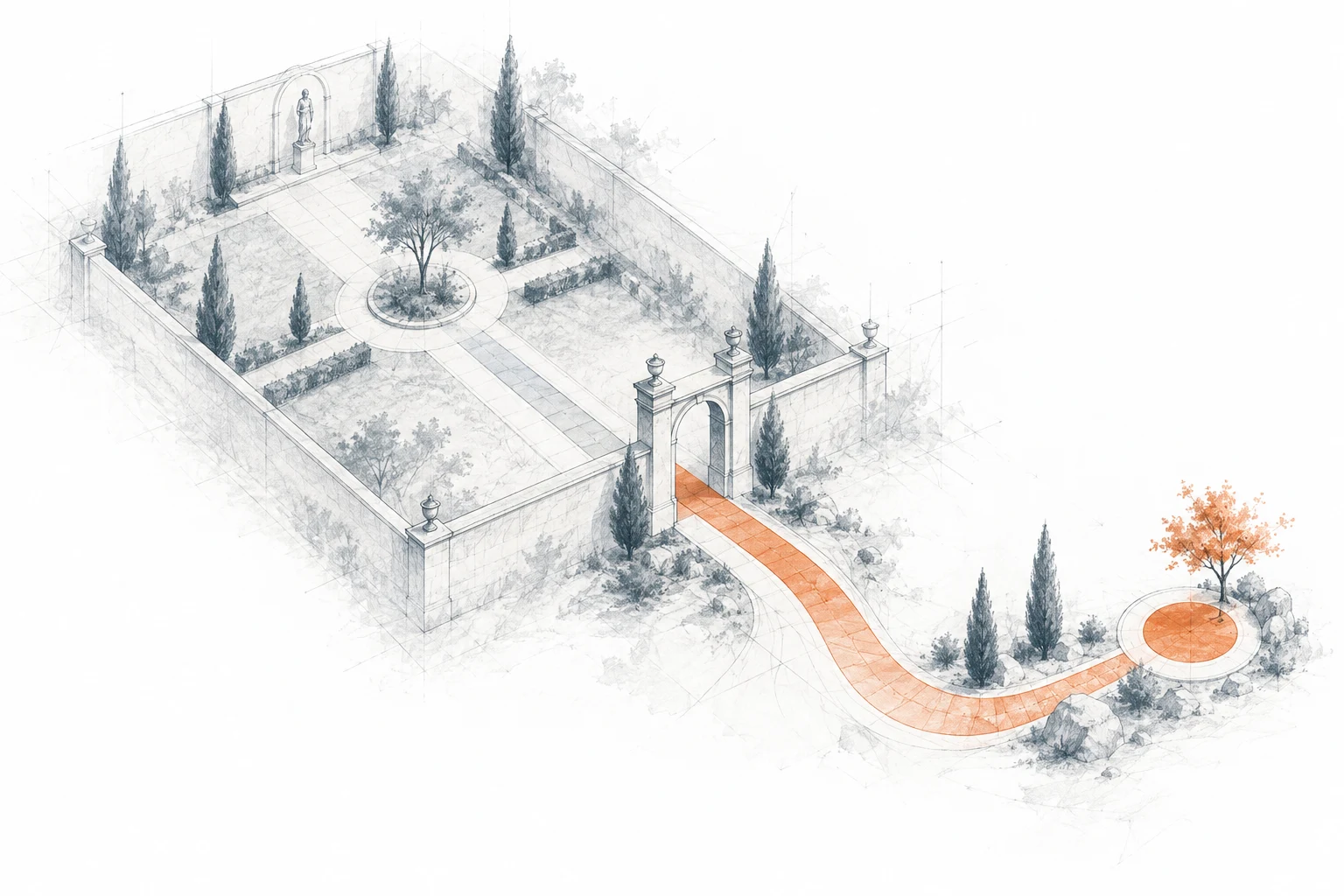
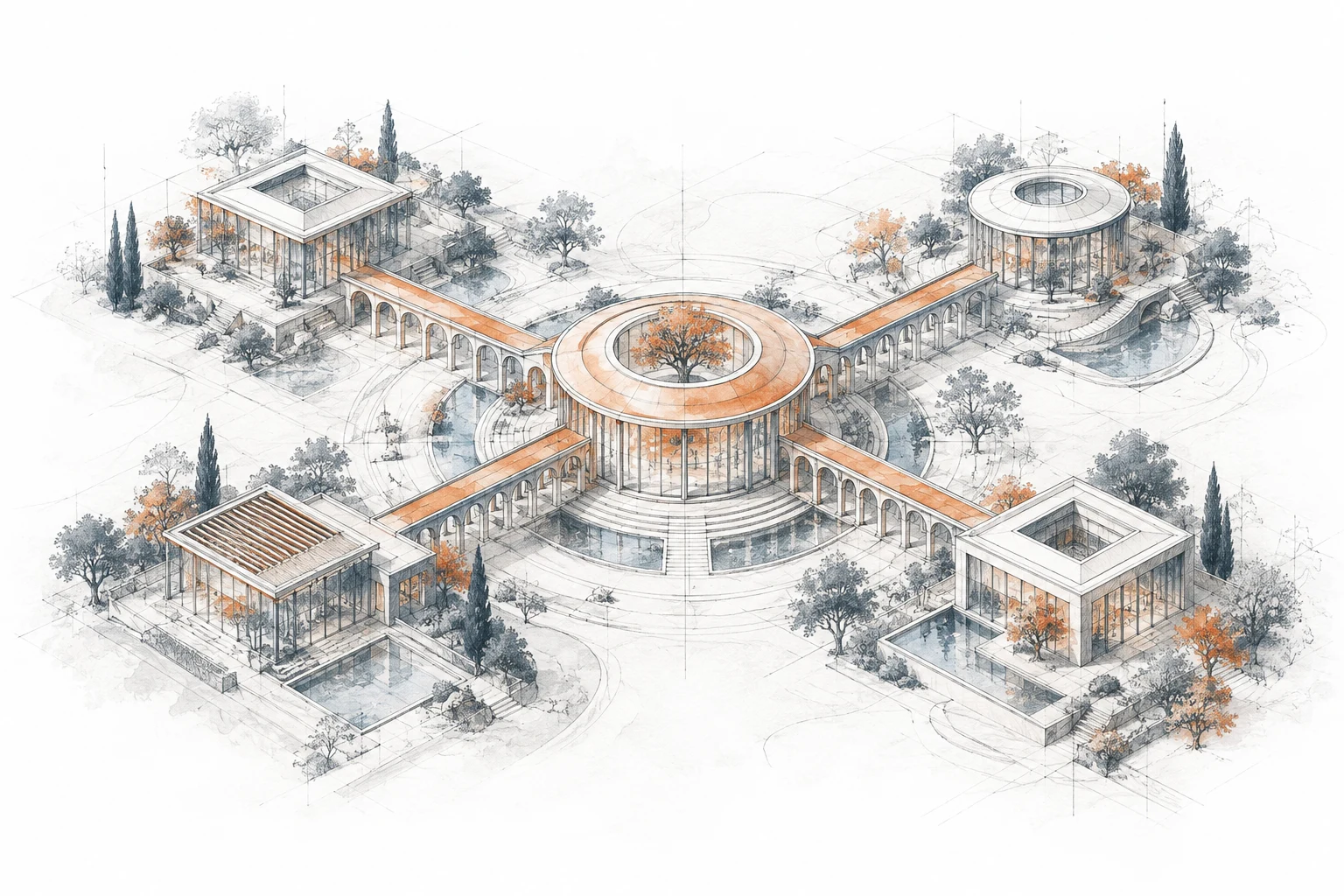
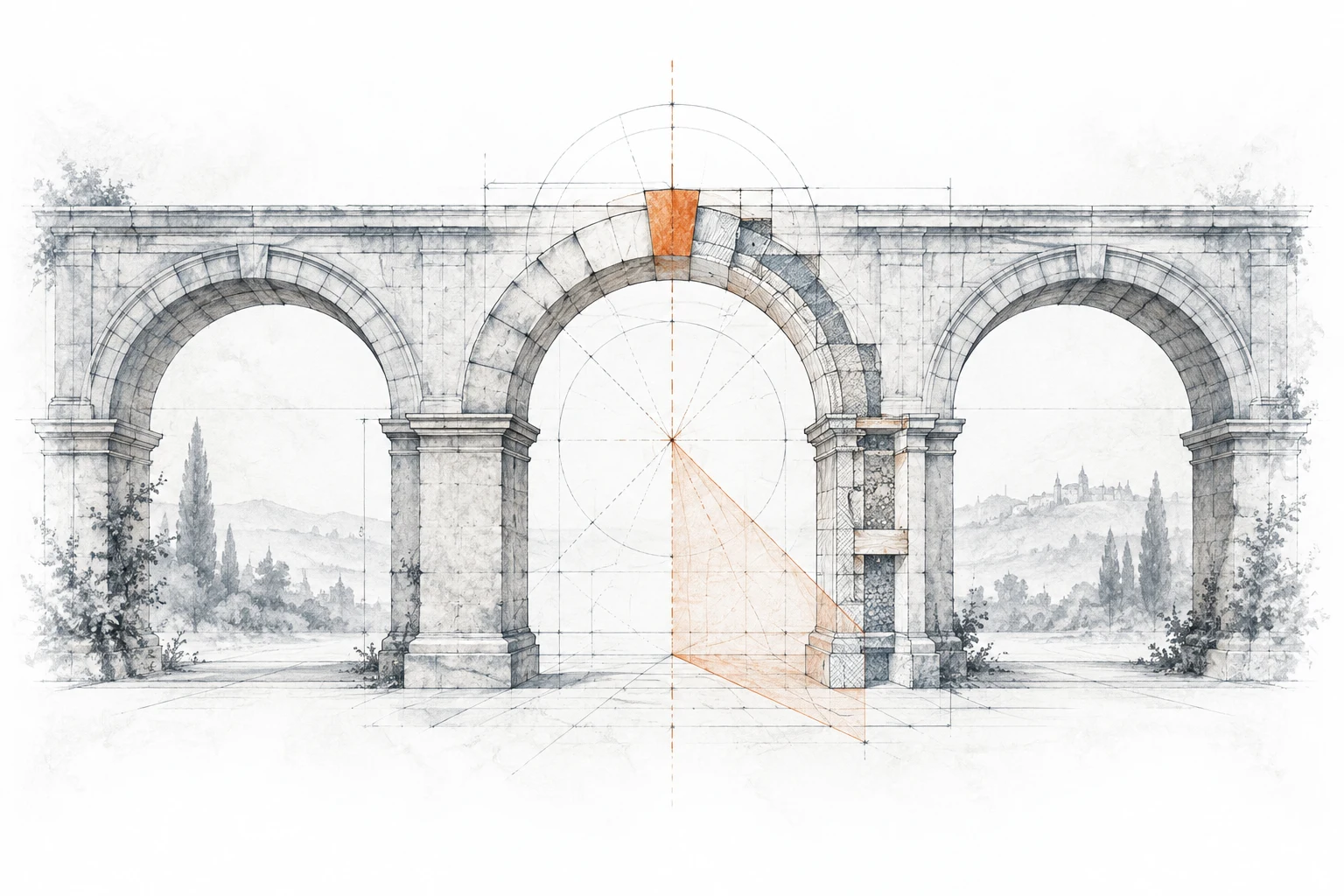
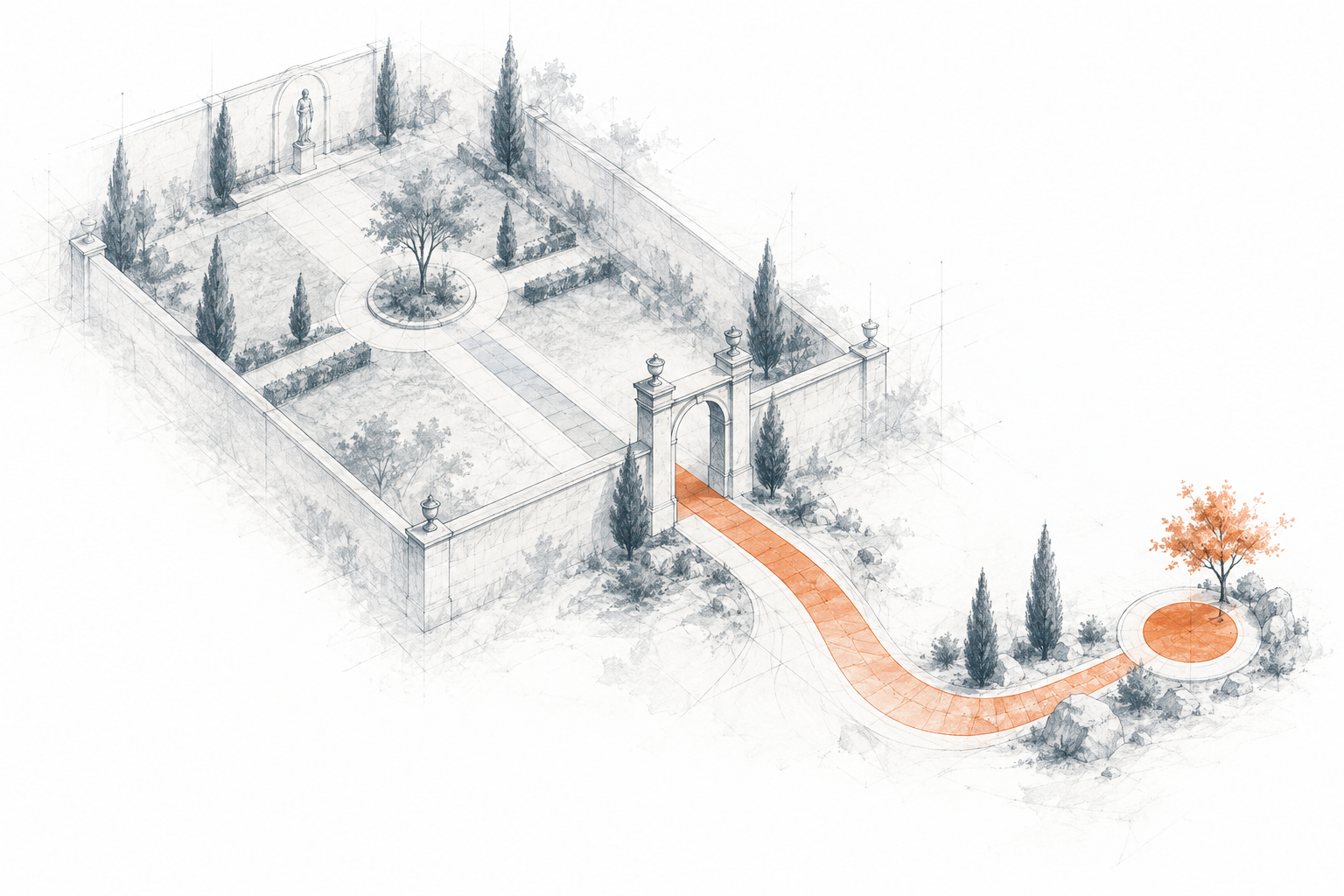
The shared style is archival architectural drawing: fine slate graphite and technical pen, restrained orange ink washes, faint construction lines, dry-brush grain and soft atmospheric edges.
Use the active service-studies/v2 and protocol-studies/v1 assets below. Preserve the native 3:2 landscape ratio, paper texture and edges that fade to white.
Use PNG originals for documents and slides; WebP for websites. The originals are 1536 × 1024. Protocol WebP files are 540 × 360 and normally display at 180 × 120 CSS px.
Keep the artwork on white with generous space. Avoid square crops, tinted frames, glossy lighting, heavy cast shadows, oversaturation or yellowed paper. Do not blur the text or structure of diagrams.
At 300 pixels per inch, a 1536 × 1024 original prints at about 130 × 87 mm. For larger print, request a higher-resolution original; inspect before export.
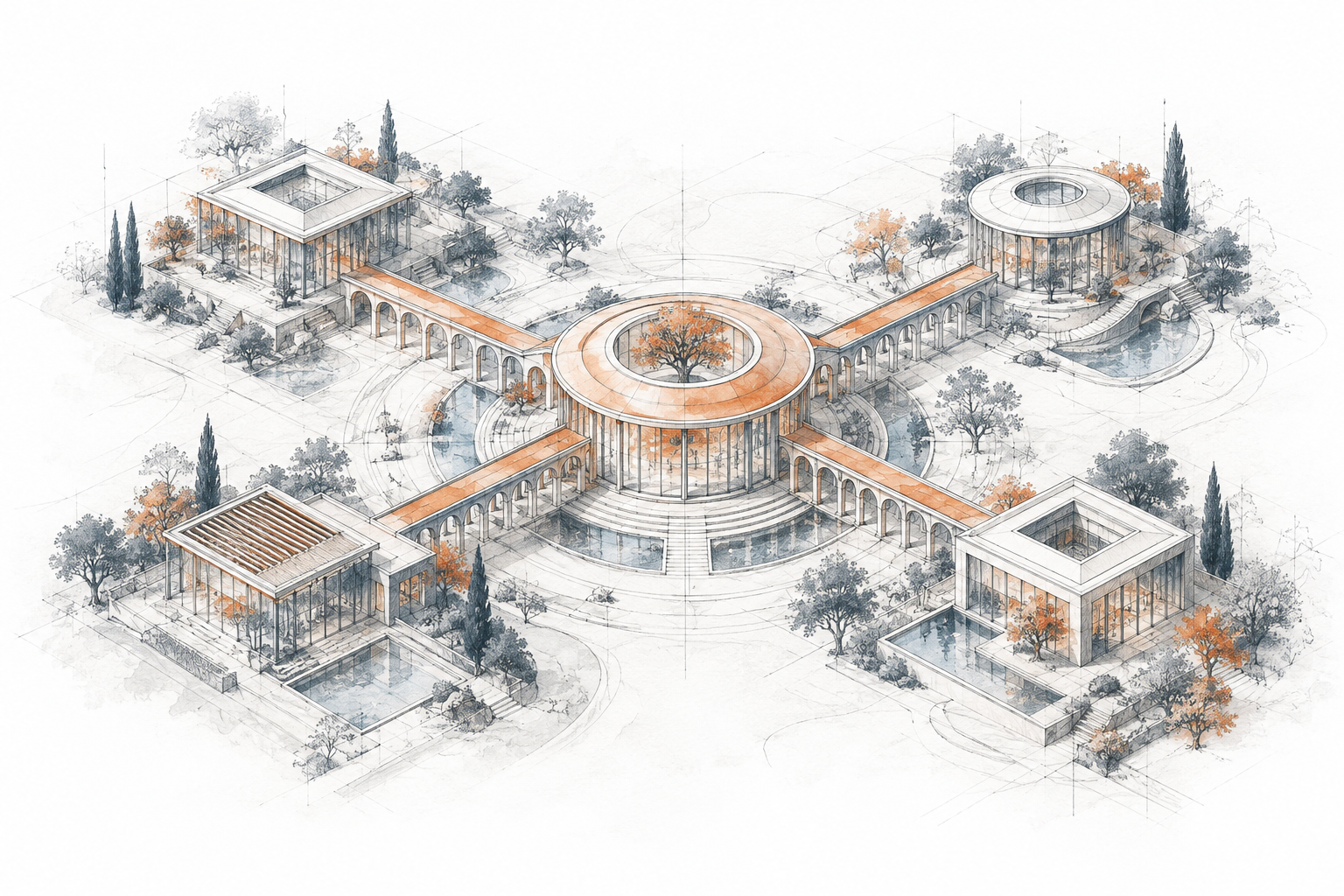
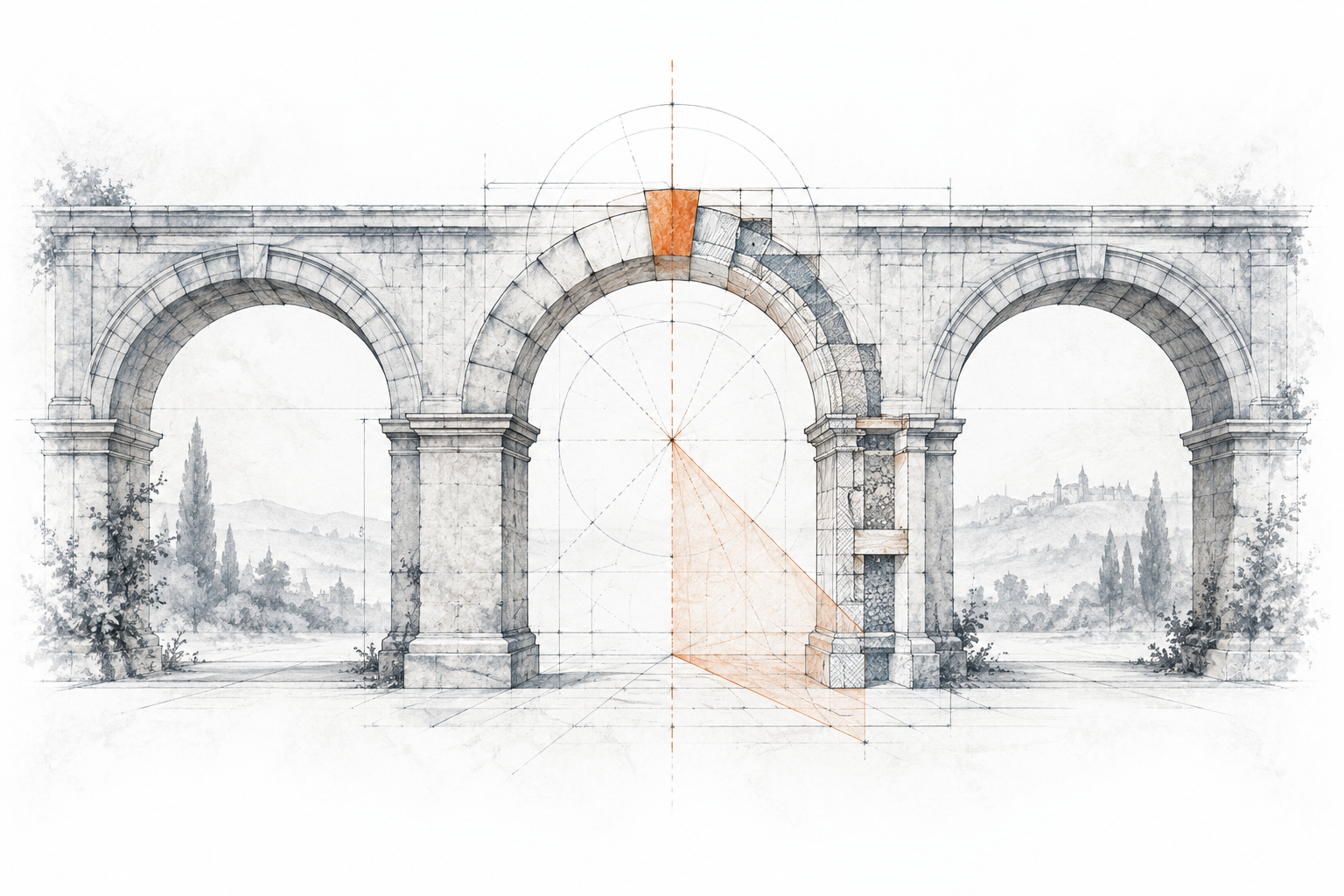
Choose the subject to match the message: bounded courtyard for Decision Budget; exploded pavilion for AI Engineering; connected pavilions for Multivac; measured arcade for AILANG.
For new art, reuse this direction and add a concrete subject. Review it alongside the active set before adopting a new version. Keep a versioned source, PNG original and WebP export; never silently overwrite the approved set.
Use small slate line icons for ordinary controls. The homepage Blender orbit retains its existing animation, matte slate/orange materials and paper-and-ink setting.
Actions, diagrams and motion
Visual choices should help people understand a decision. Reuse a small set of familiar treatments rather than inventing a new visual language for each asset.
Primary action: white text on Action orange. Secondary action: Action orange text and border on white. Use a clear verb such as “Download the guide”. Web controls have at least a 44 px touch area and a visible keyboard focus ring.
Use slate for chart structure, muted slate for supporting labels and orange for the one series or decision being discussed. Label series directly; add symbols or line patterns so colour is never the only signal.
Do not invent extra brand colours to accommodate a crowded chart. Split it into smaller charts or use labelled patterns. Preserve established semantic colours inside technical diagrams and real screenshots.
Give tables clear column headings, left-aligned text, aligned numeric values and subtle horizontal rules. Avoid a border around every cell. State units, dates and sources.
Default to static content. Use motion for a meaningful transition or interaction; keep it restrained and honour reduced-motion preferences. Auto-advancing content needs an accessible way to stop it.
Use genuine screenshots as evidence, with readable labels and explanatory captions. Remove private information and inspect the actual exported file, including notes and metadata.
Sound like Sunholo
Write as a technically capable colleague: clear, specific and useful. Explain the work, the evidence and what the reader can decide next.
Lead with the reader’s problem and the concrete outcome. Explain unfamiliar terms on first use and connect technical details to their practical effect.
Prefer plain verbs and short sentences. Use “build”, “check” and “run” instead of vague transformation language or inflated claims.
Separate demonstrated results from ambitions. Label fictional clients, illustrative numbers and simulations explicitly; never imply that a sample is a real engagement.
For a service, say what the buyer receives, what they need to contribute, what is included and where the next phase begins. Keep prices and claims aligned with the current approved service page.
Before you publish
Review the finished output, not only the source. These checks apply to a website, deck, PDF, proposal or social image.
Use the current logos and active illustrations; check the typeface, palette, image proportions, margins and hierarchy against this guide.
Check contrast on the actual surface, readable type at final size, keyboard navigation on the web, alt text and descriptive links. Keep links visibly distinguishable.
Review phone, tablet and desktop for websites. View slides at presentation size. Open the exported PDF and inspect clipping, line breaks, image quality, font substitution and page numbers.
Use sRGB for screen exports. For commercial print, convert using the printer’s supplied ICC profile and approve a proof; there is no universal CMYK equivalent for these screen colours.
Package editable sources, the approved exports and any required font licences. Logos remain Holosun ApS marks; the included fonts retain their SIL Open Font License.
Treat the Sunholo template as the starting point for Sunholo proposals. Holosun and AILANG templates are separate identities; do not mix their decorative treatments into Sunholo material.
For websites and tools, start with the downloaded CSS/JSON tokens. The full website stylesheet includes site-specific selectors; do not copy it wholesale into an unrelated application.
Downloaded brand kits are snapshots. Before starting a new asset, compare the token revision with this page and use the current kit. Shared palette changes regenerate this guide and its downloads together; existing decks and documents need to be updated separately.
Shared illustrations
Use PNG in Word and slides, WebP on the web. Four architectural service studies and three compact protocol illustrations on white paper, with slate linework and orange ink washes.
Keep the original proportions and colours, and give each illustration room to breathe. Give these landscape studies generous width on white. Preserve the paper texture and soft edges; avoid square crops, drop shadows or tinted frames.
Protocol illustrations
Compact architectural studies for MCP, A2A and Cognitive Design. Use at 180 × 120 px on the web; choose the original PNG for slides and documents.
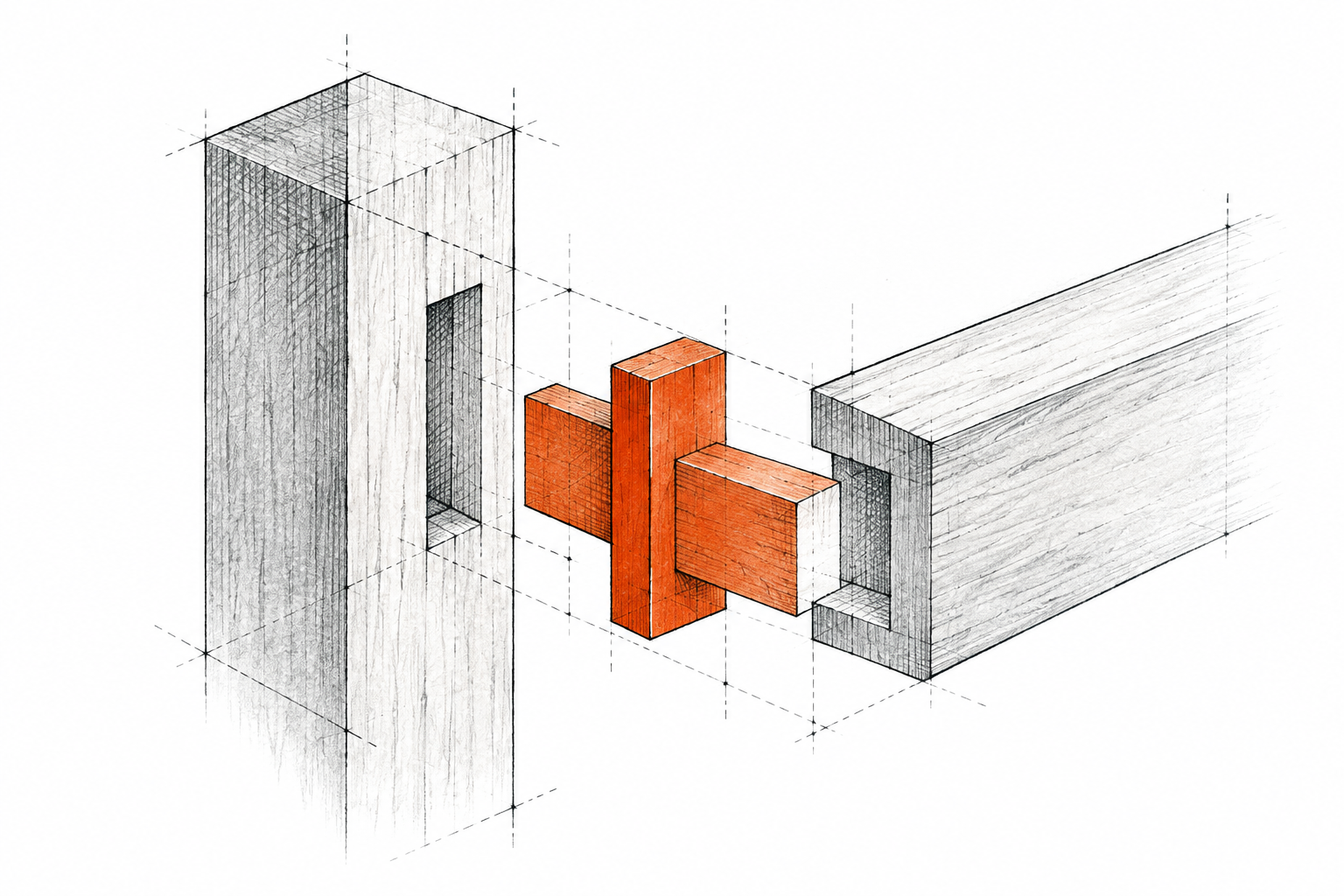
Model Context Protocol (MCP)
A fitted connector: standard interfaces between systems.
These are Sunholo editorial illustrations, not official protocol logos. Preserve the white paper, slate linework and orange accents. Included in the illustration kit above.
Company & product logos
SVG originals stay sharp at any size. Use these for brand identification alongside the illustrations.
The kit includes editable source and Montserrat fonts with their SIL Open Font License. Templates may be adapted commercially; Sunholo and AILANG logos remain Holosun ApS marks. Replace the branding if another organisation is issuing the document.